Math Problems
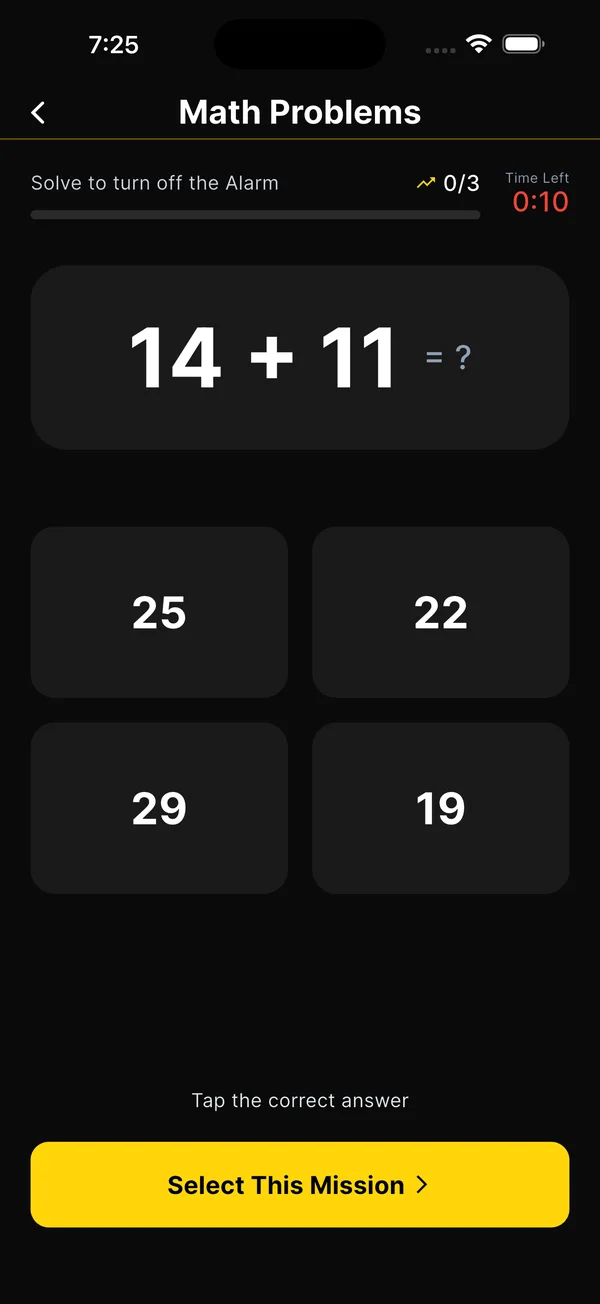
Solve arithmetic to turn the alarm off. Easy, Medium or Hard, with as many problems as you dare.
Alarmify won't stop ringing until you solve a wake-up mission — math, memory, typing, shake or walk. By the time it's quiet, you're properly awake. Every mission is free.
A normal alarm has a button you can tap in your sleep. Alarmify replaces it with a small challenge your brain has to wake up for.
Pick a time, a label and the days it repeats. Choose a sound, fade-in and vibration — it takes about 20 seconds.
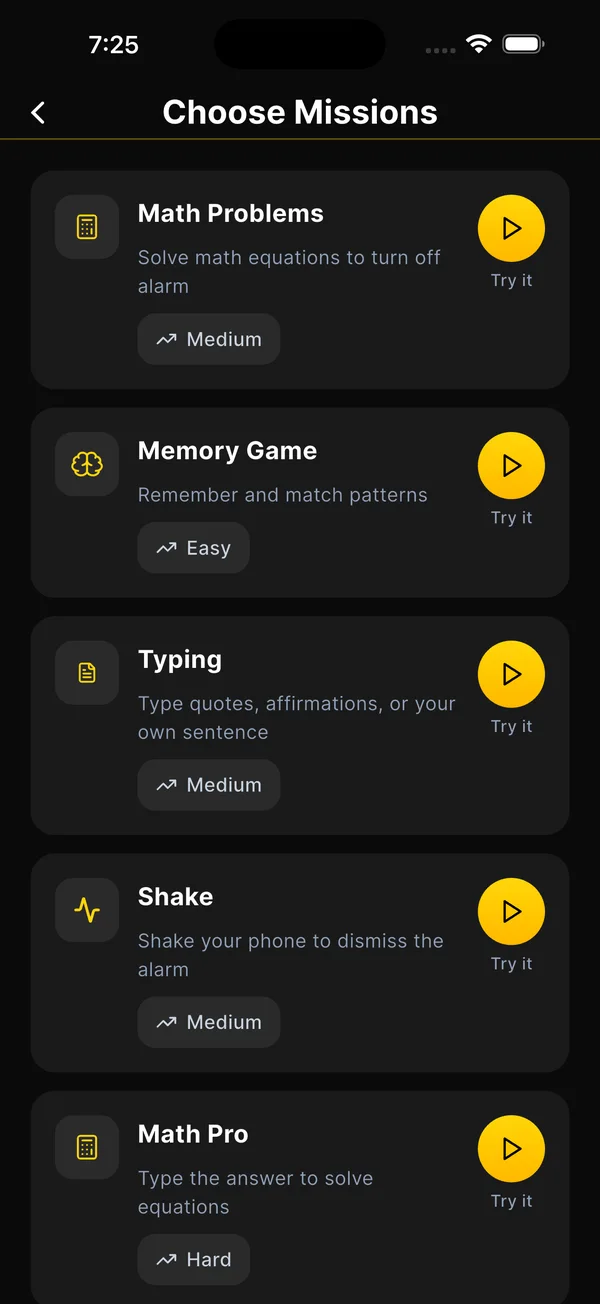
Math, Memory, Typing, Shake, Walk or Math Pro. Set how hard it is and how many rounds you have to finish.
The alarm keeps ringing until the mission is done. Leave it or let it time out and it starts again.
Every mission is free on Android and iPhone. Try any of them before you save the alarm.
Solve arithmetic to turn the alarm off. Easy, Medium or Hard, with as many problems as you dare.
Remember a pattern, then repeat it. A real brain workout the moment you open your eyes.
Type a quote, an affirmation or your own goals. Read your intentions out of bed every single morning.
Shake the phone until the counter fills. Surprisingly hard to do half asleep.
Get out of bed and walk with your phone until the step counter reaches zero. Nothing wakes a body like moving it.
Harder sums with typed answers, for anyone who wants a real fight before breakfast.
Once a mission gets easy, Alarmify suggests the next level. Nothing changes unless you say yes.
Built to be reliable first, and fun second.
An alarm is only useful if it goes off. Alarmify is built to reach you, whatever state your phone is in.
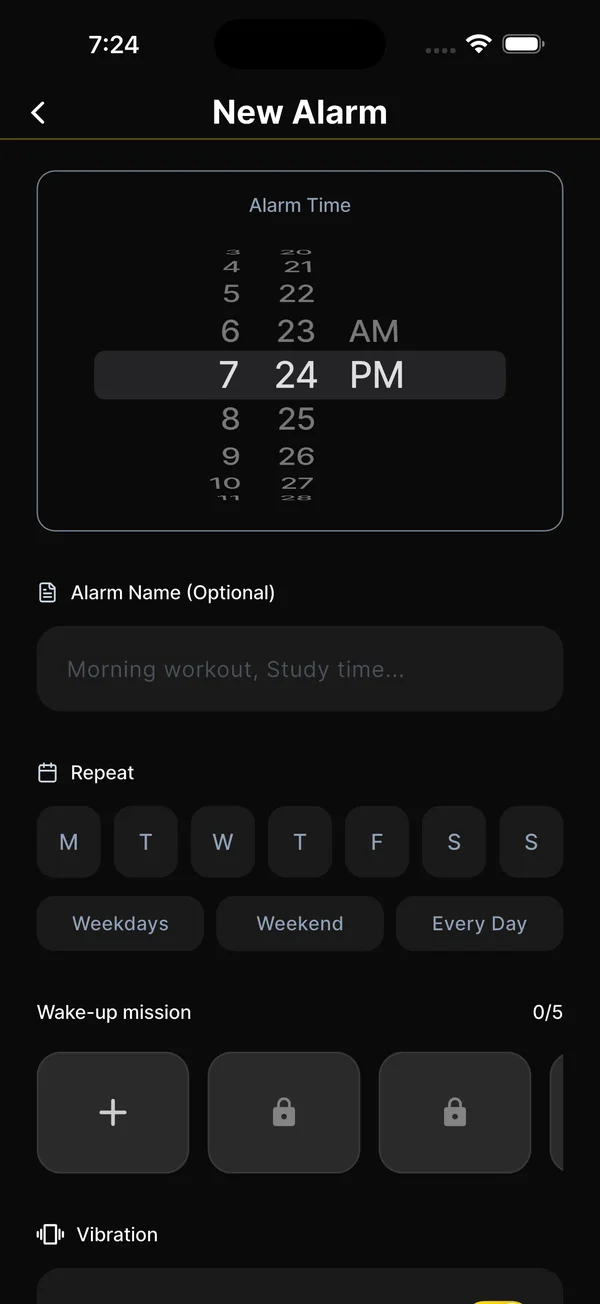
Snooze is off until you add it. When you do, it's built to get shorter, not to become a habit.
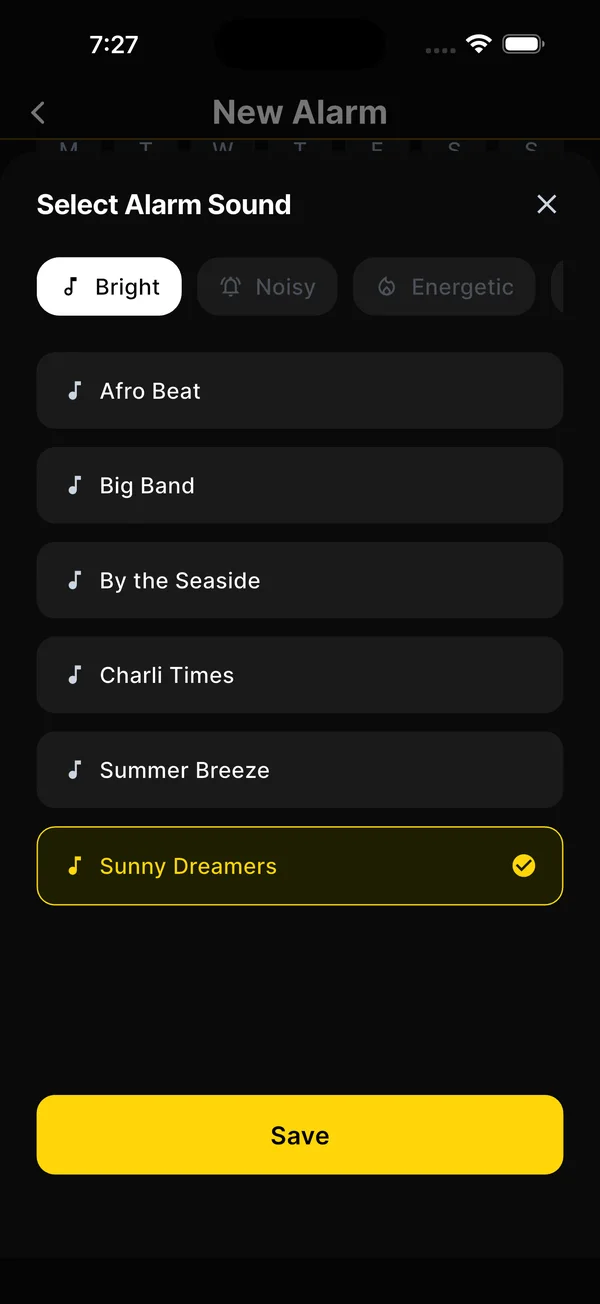
Hand-picked sounds across six moods, so your alarm never fades into the background.
One-tap timers for 1, 10, 15, 20, 30 or 60 minutes. Perfect for naps.
Every good morning adds a day. Earn freezes so one bad morning doesn't end it.
When you got up, how often you snoozed and your fastest mission — the last 7 days free.
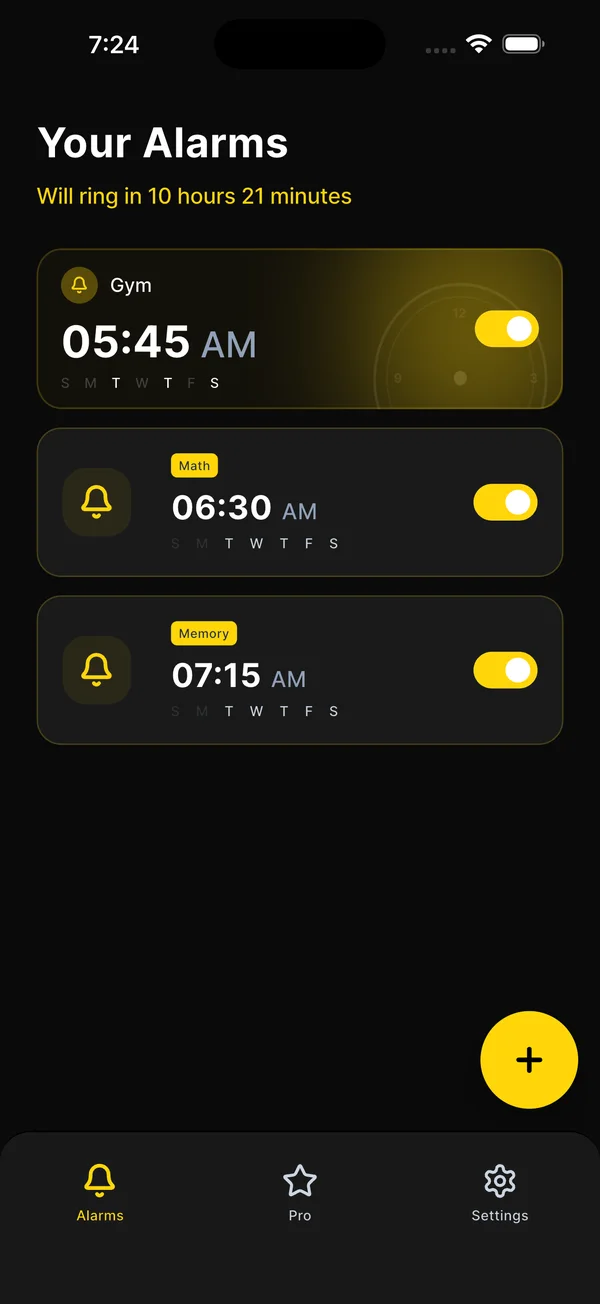
As many alarms as you need, with labels like Gym, Class or Meds and a live countdown.
Designed to be readable with one eye open.
The whole app works without paying. Pro is for the deepest sleepers who want more missions on one alarm and a longer look back.
| Feature | Free | Pro |
|---|---|---|
| Unlimited alarms, labels & repeat days | ||
| All 6 wake-up missions | ||
| 28+ sounds, fade-in & vibration | ||
| Wake-up Check, Quick Alarm & wake streak | ||
| Missions per alarm | 1 | Up to 5 |
| Mix mission types on one alarm | — | |
| Insights history | 7 days | 30 & 90 days |
| Ad-free | iPhone only | Android & iPhone |
Choose monthly, yearly or a one-time lifetime purchase. Prices are shown in the app before you buy, because they differ by country and by store. Cancel any time from your Google Play or Apple account.
You snooze through everything. A mission is much harder to ignore than a button.
Early lectures and exam days, without the panic of waking up at 9:47.
Shifts, flights and meetings where being late isn't an option.
Use the Typing mission to read your goals every morning, and keep the streak alive.
Alarms, settings, custom sentences and your wake history are stored on your device and never uploaded to our servers. Read the full Privacy Policy.
Yes. Unlimited alarms, all six wake-up missions, every sound and Wake-up Check are free. Alarmify Pro is an optional upgrade for up to 5 missions on one alarm, mixed mission types and 30 and 90 days of Insights. On Android, Pro also removes ads; the iPhone version has no ads.
Android 5.0 (Lollipop) or later — Android 8.0+ recommended — and iPhone with iOS 15 or later. On iOS 26 and later the alarm rings through the Silent switch and any Focus, even if the app is closed. On earlier iOS versions, keep Alarmify running in the background overnight.
No — that's the point. The alarm keeps ringing until the mission is finished. If you leave it or it times out, it starts again.
Never. When a mission has been easy for a week, Alarmify may suggest the next level after you get up. One tap accepts it, and you can undo it any time.
Yes. Alarmify restores every scheduled alarm after a reboot.
To restore, open the Pro screen and tap Restore Purchases using the same Google or Apple account you bought with. To cancel, use Google Play › Payments & subscriptions, or iPhone Settings › your name › Subscriptions. A lifetime purchase never needs cancelling.
Free to download. Your first alarm takes about 20 seconds.